SeriousFinding 01WCAG 1.4.3 Contrast (Minimum)

The announcement banner text measures 3.36:1 contrast (#8a8a8a on #fcfcfc) — WCAG 1.4.3 requires at least 4.5:1 for normal text.
Sample report
This is a real report our audit pipeline generated, from a scan of a public demo storefront (demo.vercel.store), with the real screenshots and findings it produced.
Shown here: one page, for a quick look. A real $890 audit covers your whole website — every page we can crawl.
Download the sample report (PDF)Every Quietramp report has the same structure: an executive summary, a severity breakdown, and one finding card per issue — each with a screenshot, the specific WCAG criterion it maps to, and a fix instruction. Findings are grouped critical → serious → moderate → minor, in that order, so the highest-priority issues are first.
The announcement banner text measures 3.36:1 contrast (#8a8a8a on #fcfcfc) — WCAG 1.4.3 requires at least 4.5:1 for normal text.

Same rule, second instance: the description paragraph measures 2.61:1 (#9e9e9e on #fcfcfc) — even further under the 4.5:1 bar.
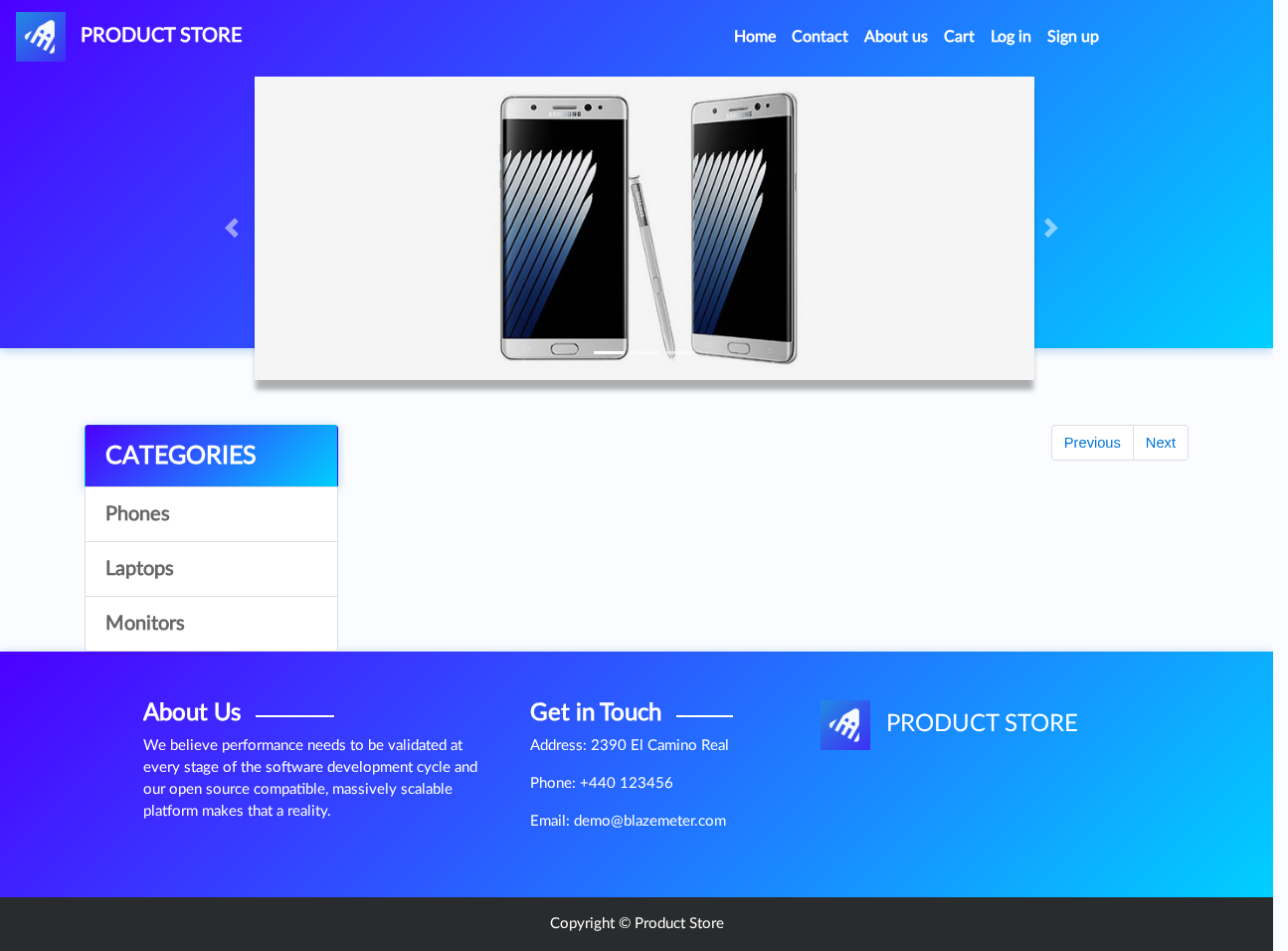
Each finding in the actual PDF includes a fix instruction built from that exact element's real numbers, not a generic rule of thumb — for Finding 01 that's "changing the text color to #747474 clears that bar against this exact background," computed from the measured colors, not a guess — download the sample above to see the full report format.
This particular public demo site happened to trigger only automated findings. A real Quietramp audit also includes the manual review layer — keyboard navigation, screen-reader landmarks, false-positive triage — even when the automated scan comes back clean, because those checks are things a scanner cannot do at all. See the service description for what that covers.